
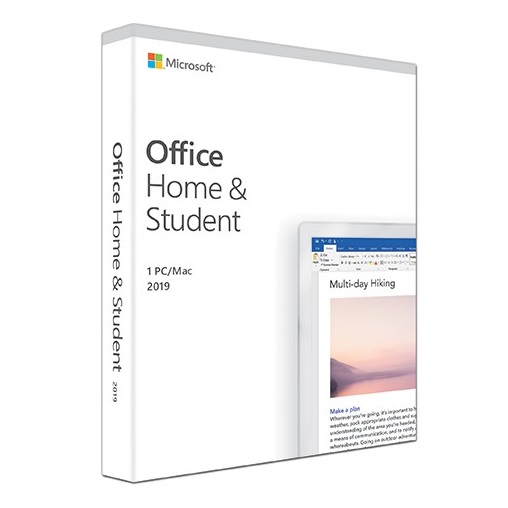

Microsoft Office 2019 Home & Student for PC & Mac - Download Version
Best for families who want Office on one PC. Office 2019 is
designed to help you create and organize faster with time-saving
features, a new modern look, and built-in collaboration tools.
Plus, you can save your documents in the cloud on OneDrive and
access them from anywhere.
Features:
Office Home & Student 2019 comes with the latest versions of the
following applications:
� Word 2019
� Excel 2019
� Powerpoint 2019
� Onenote 2019
Specifications:
� Devices per license: 1 PC or Mac
System Requirements:
� Computer and processor: 1.6 gigahertz (GHz) or faster, 2-core
� Memory: 4 GB RAM
� Hard disk: 4.0 GB available disk space
� Display: 1280 x 768 screen resolution
� Graphics: Graphics hardware acceleration requires DirectX 9 or later, with WDDM 2.0 or higher for Windows 10 (or WDDM 1.3 or higher for Windows 10 Fall Creators Update).
� Operating system: Windows 10, Windows Server 2019
� Browser: The current version of Microsoft Edge, Internet Explorer, Chrome, or Firefox.
� .NET version: Some features may require .NET 3.5 or 4.6 and higher to also be installed
� Internet functionality requires an Internet connection. Fees may apply
� A touch-enabled device is required to use any multi-touch functionality. But, all features and functionality are always available by using a keyboard, mouse, or other standard or accessible input device. Note that touch features are optimised for use with Windows 10
� Product functionality and graphics may vary based on your system configuration. Some features may require additional or advanced hardware or server connectivity
� Cloud file management features require OneDrive, OneDrive for Business, or SharePoint
� Microsoft account or Microsoft organisational account required for license assignment